Roles
On this page, you add all the users who need to see the widget.
Roles
The system has two built-in roles: Administrator and Manager. You cannot delete or rename these roles.
Administrator: works with the widget on the site, has full access to the admin interface, and can add or delete rules, users, and tags.
Manager: only works with the widget and has no permissions in the admin interface.
Adding a custom role
You can add your own roles. Use them to customize the widget information for different groups of employees.
For example, say you have several employees who handle logistics. They need to see certain product data that your sales managers do not need.
So in the rules for logistics staff, you can simply specify
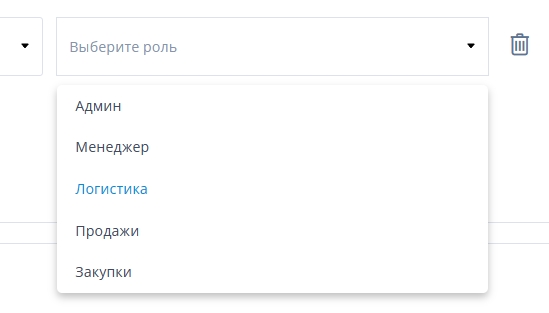
and then ONLY users with the "Logistician" role will see the result of that rule.
All roles you add have the “Manager” permissions. That is, these employees can only see the widget and cannot change rules or texts.