Working with comments
All comments go to the “Comments” section of the admin interface:
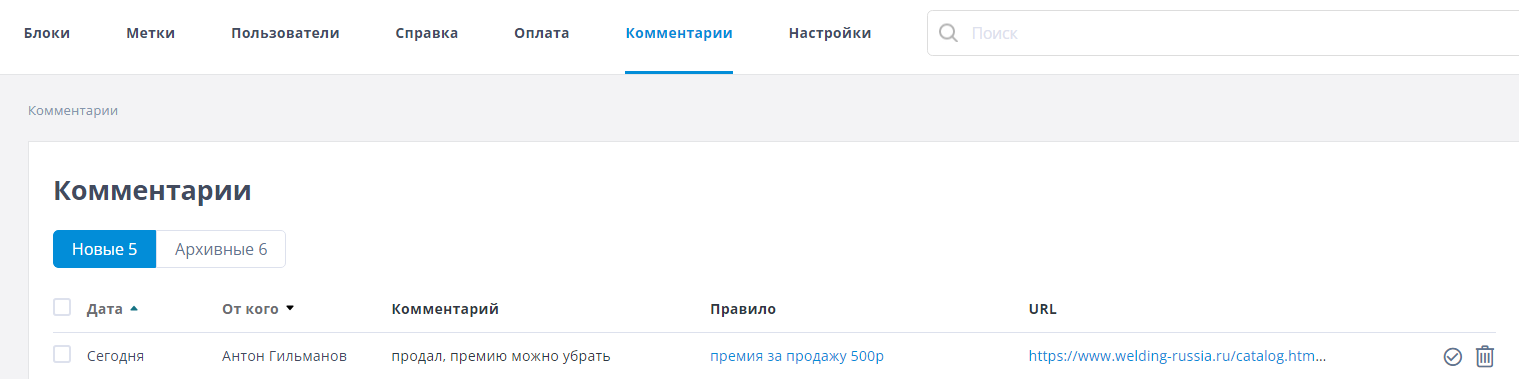
Comments are divided into two sections:
- New – comments waiting for an administrator's action
- Archived – comments the administrator has moved to the archive
For each comment you can see when it was added, its author, a link to the rule it was added to, and the page it was added on.
After reviewing a comment and, if needed, editing the rule, you can do one of two things with it: archive it by clicking the checkmark to the right of the comment, or delete it by clicking the trash icon.