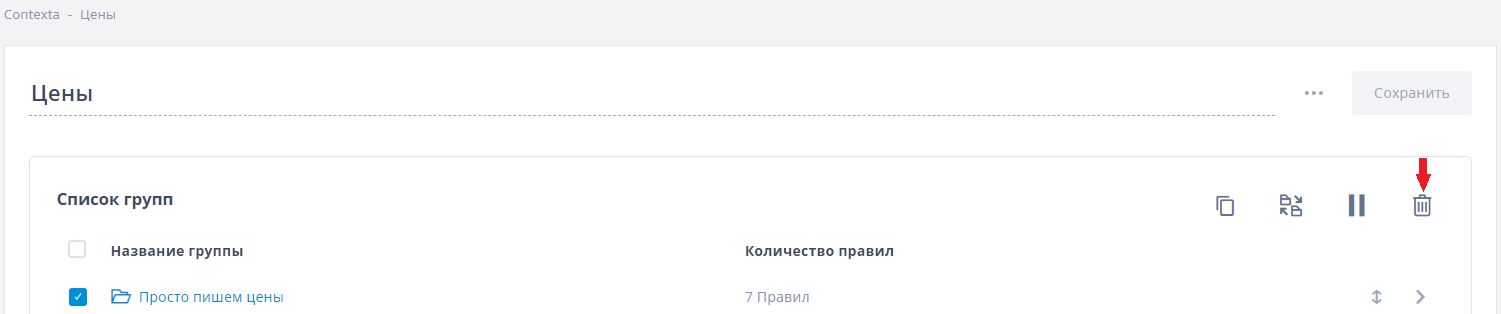
Rule groups
It is convenient to group rules with a similar purpose together, so you can perform bulk actions on them (and not get lost among hundreds of rules).
A group is the second level of the information structure in Contexta: Blocks -> Rule groups -> Rules.
The order of groups determines the order in which rules run. For example, if a block has two groups with three rules each, the rules of the first group run first, and only then the rules of the second group. The block text is built the same way: first the information from the first group's rules, then from the second group's rules. To change the order in which information is displayed, simply reorder the groups.
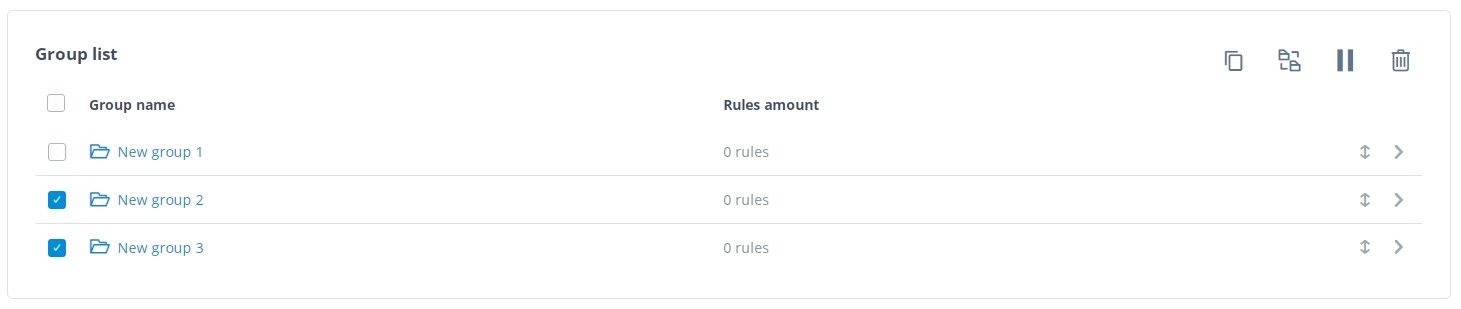
You can select one or more groups and pause them (if you want to temporarily hide their information), delete them, move them to another block, or make copies of them within the current block.
Creating a new group
A group can exist only inside a block. To create a group, open an existing block or create a new one, then click “Add group”.

Enter a name and click “Save”.

Working with rule groups
Order of groups in a block
Rules in a block are displayed in the order of their groups. Drag the double-headed arrow icon to reorder groups so that the rules of a particular group appear higher in the block on your site.
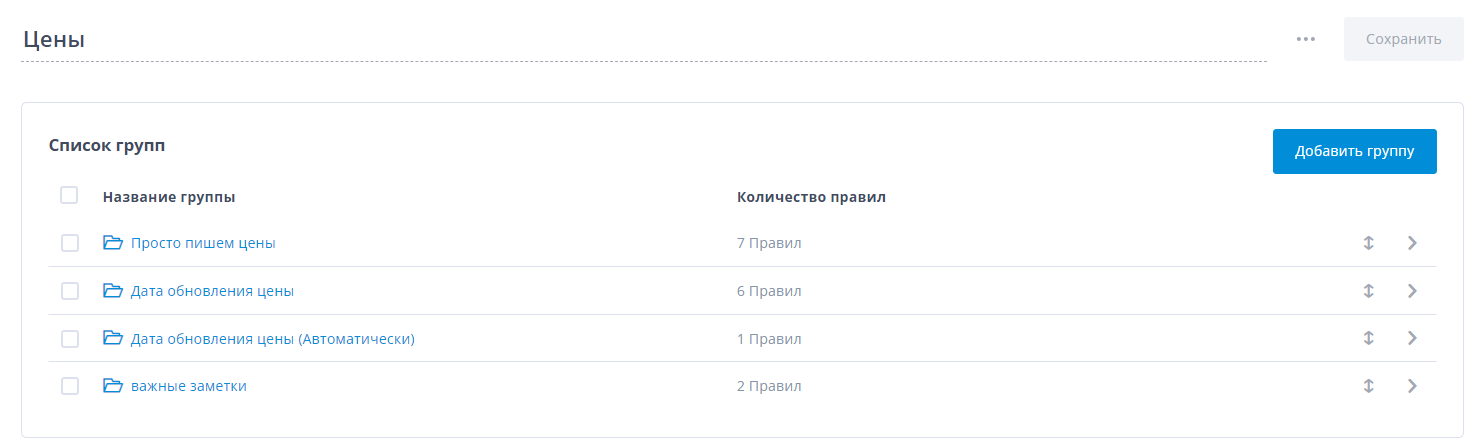
Copying a group
To copy a group, select it with the checkbox and click the “Copy” icon. Note that a group is copied together with its rules, and the rules in the new group are copies of the rules in the original group.
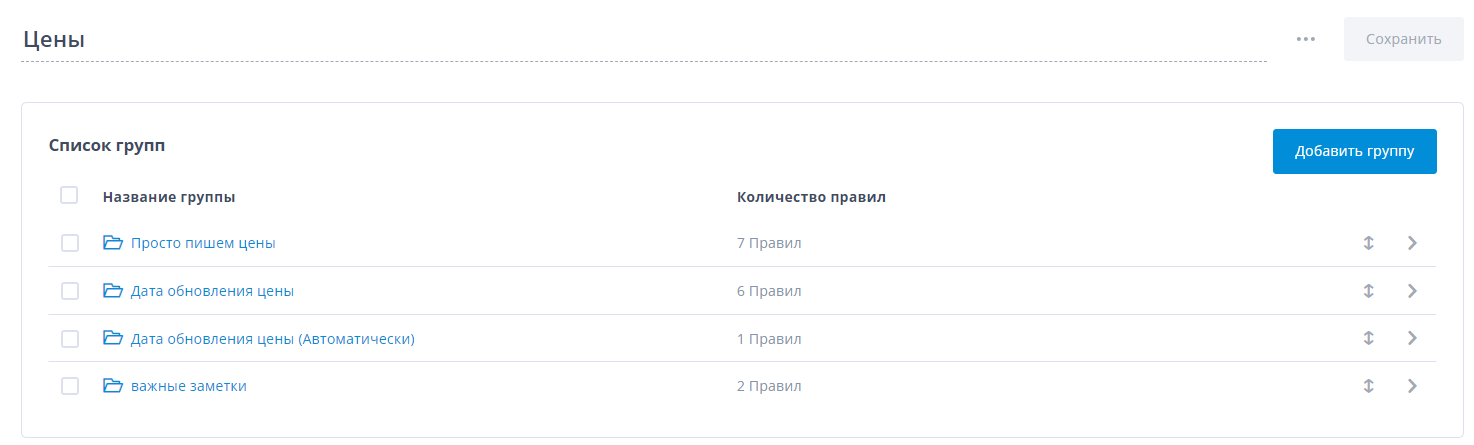
Moving a group
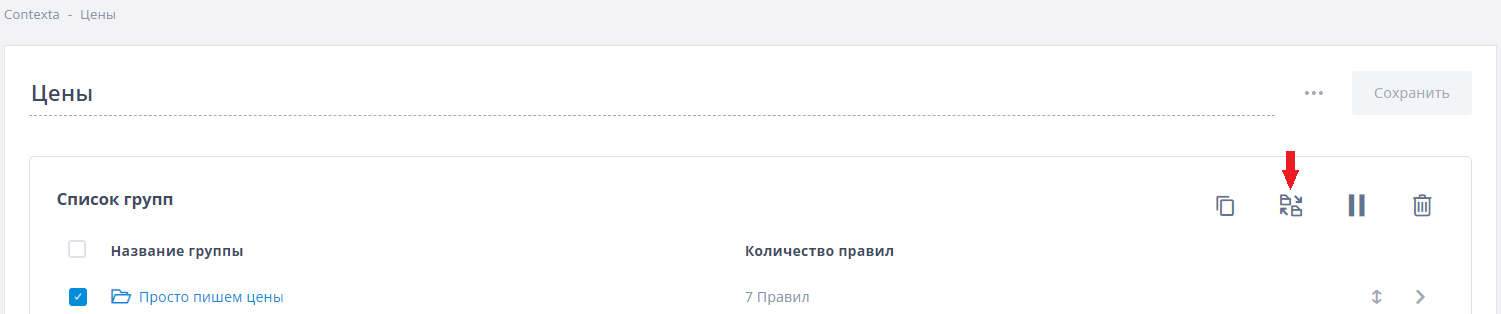
To move a group to another block, select it with the checkbox and click the “Move” icon.
Pausing a group
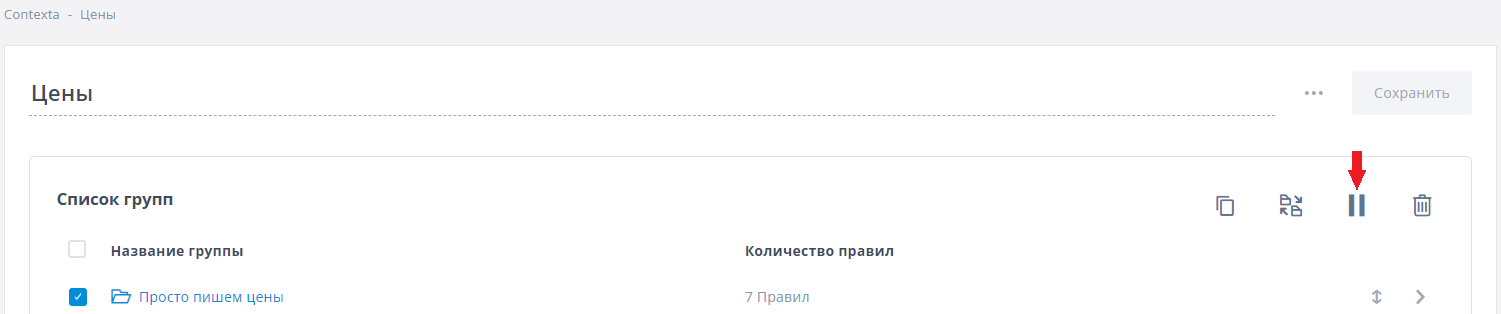
As mentioned above, grouping rules makes them easier to work with. For example, when you pause a group, all the rules inside it stop working too. To pause a group, select it with the checkbox and click the “Pause” icon.
Deleting a group
To delete a group, select it with the checkbox and click the “Delete” icon. Note that you can delete only groups that contain no rules. To delete a group with rules, first delete or move all of its rules.