Adding and configuring
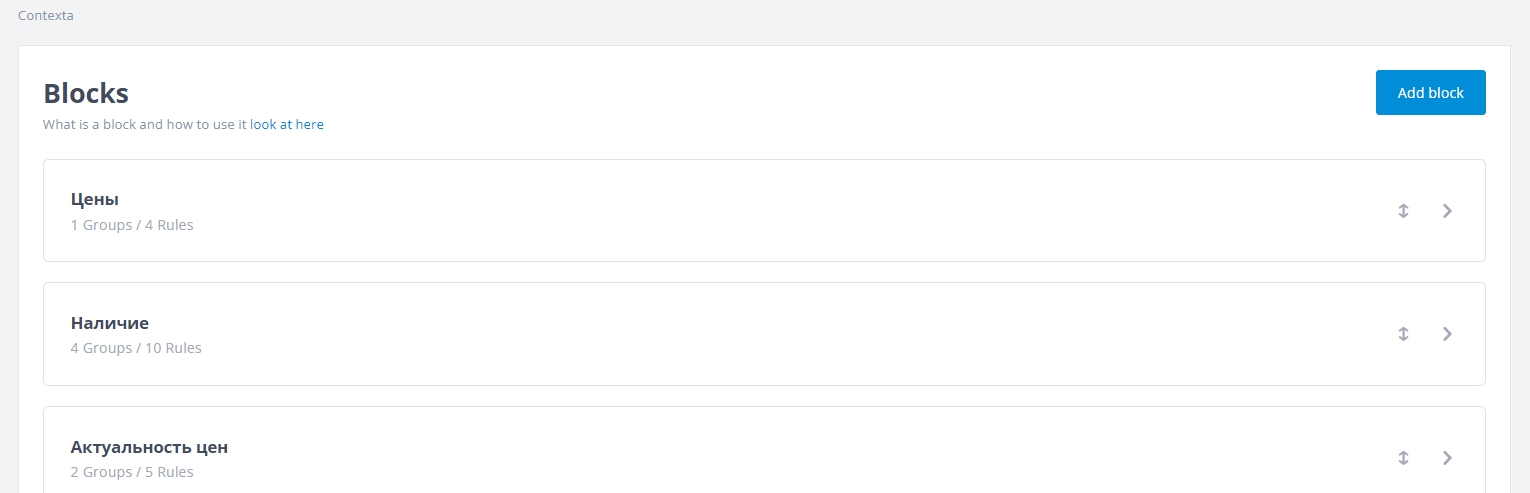
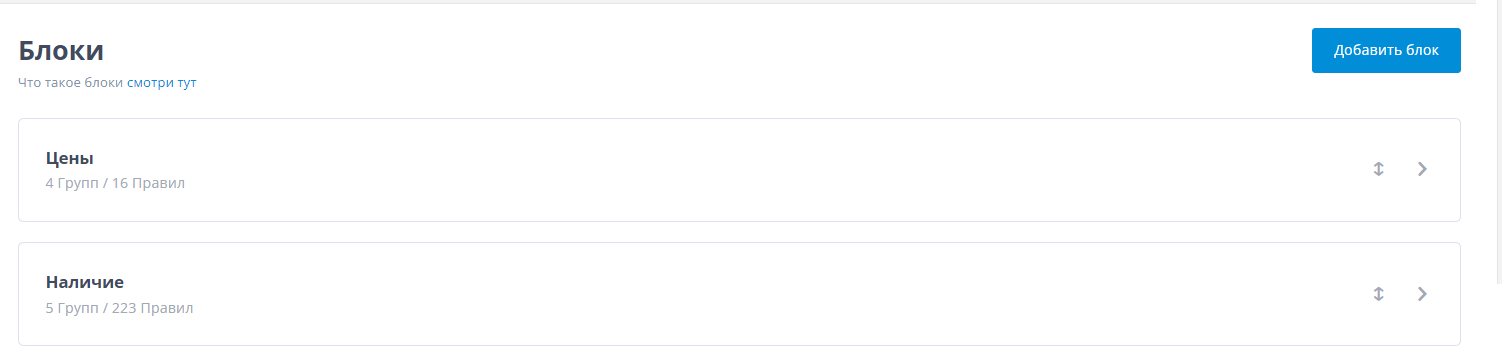
To add a block, open the “Blocks” section in the top horizontal menu and click “Add block”.
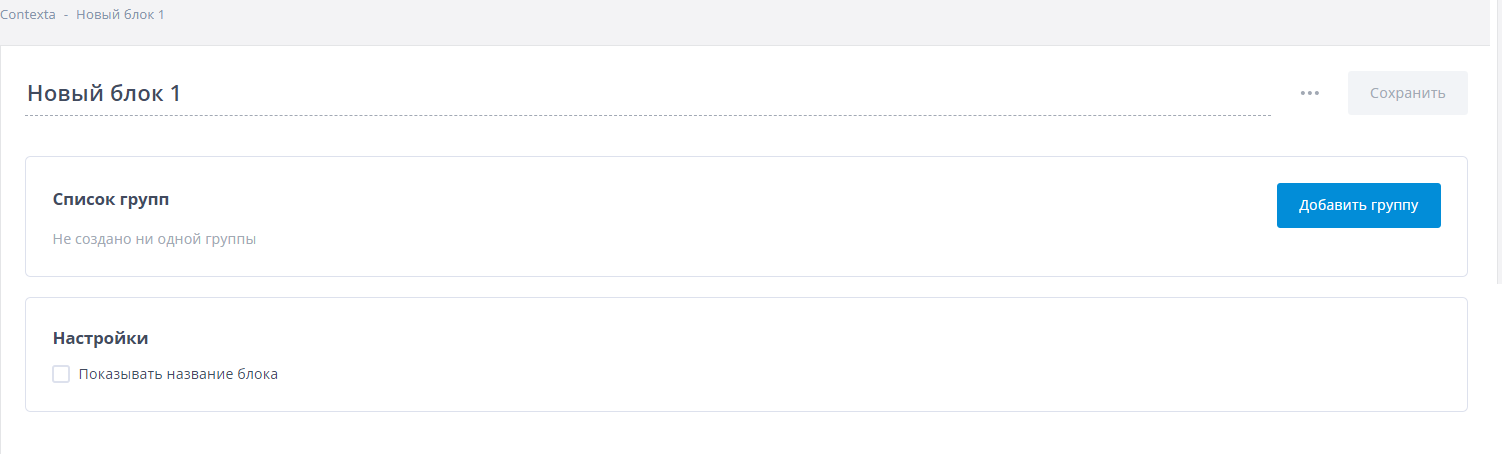
Enter a name for the block. When you create a block, you can also create one or more rule groups in it, but you can skip this step and come back to it at any time.
If you select “Show block name”, the block name is displayed in the context block on your site.
You can drag blocks to change their order. The order of blocks in the admin interface is the order in the widget.