What are blocks
What is a block
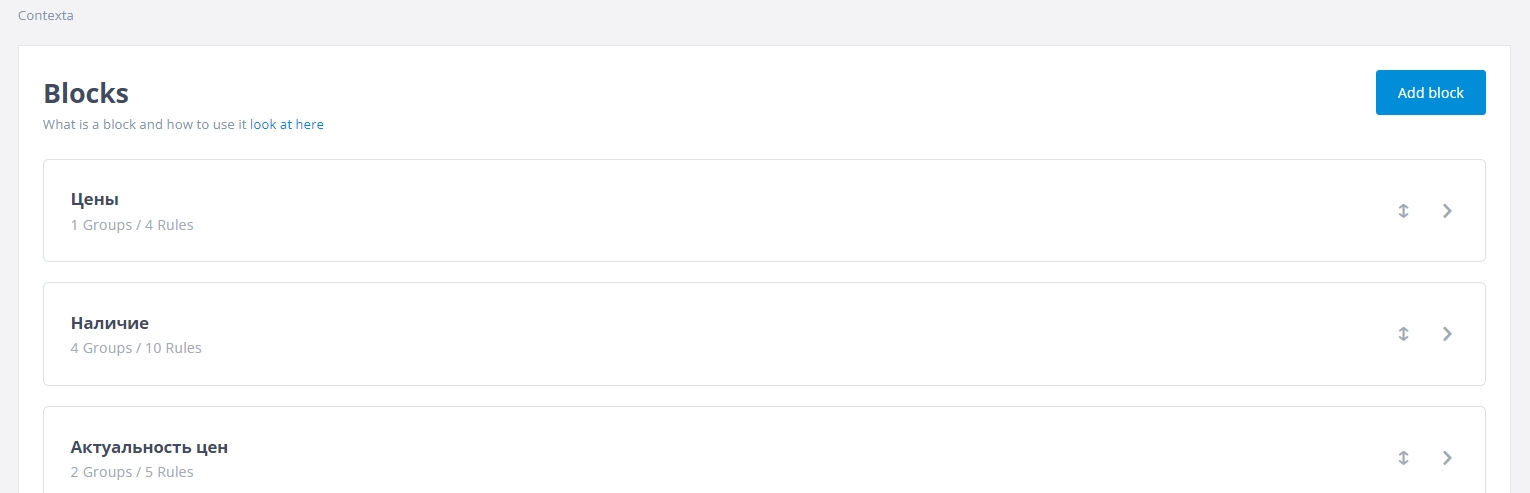
On this page you define which information blocks your widget consists of.
Blocks split your information into logically related sections so that information of the same type always appears in the same place.
This way users can find information quickly, because they always get it in the same place in the widget.
So the structure for working with your data is as follows:
- First, you split the information into large blocks (“prices go here, logistics here, links to internal catalogs here”)
- Inside these blocks you create rules that display specific information, and you can organize those rules into groups to make them easier to work with.
You can drag blocks to change their order. The order of blocks in the admin interface is the order in the widget.
If you select the “Show block name” checkbox, the block is displayed with its name in the widget.