Balance
How to top up your balance
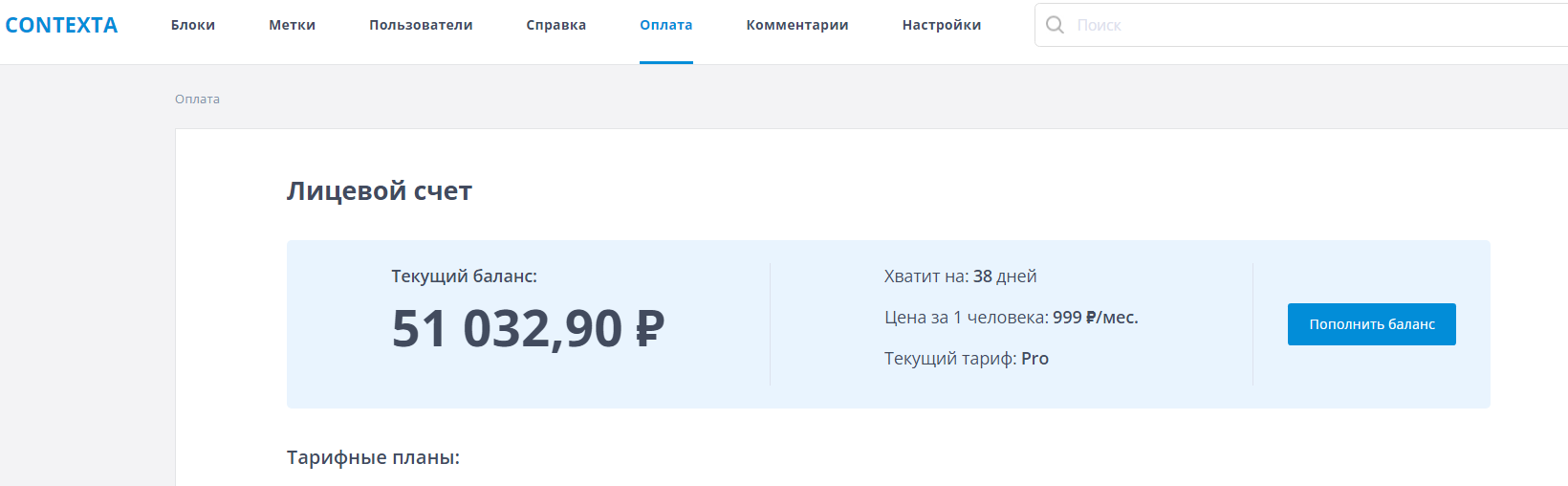
To top up your balance, go to the “Payment” section of the admin interface and click the “Top up balance” button.
What happens if my balance goes negative
The “Payment” page shows your current balance and the number of days it will last. When there are 3 days of funds left, the administrator receives an email reminder, and a reminder is also shown in the Widget on your site. When the balance runs out, Contexta keeps working “in the red” for 3 days, after which the Widget stops displaying information until you top up your balance.