Tags
What are tags
To decide which hints to show and where, Contexta needs data, such as a product's brand or price. It gets this data from your site's pages when you mark it up with tags.
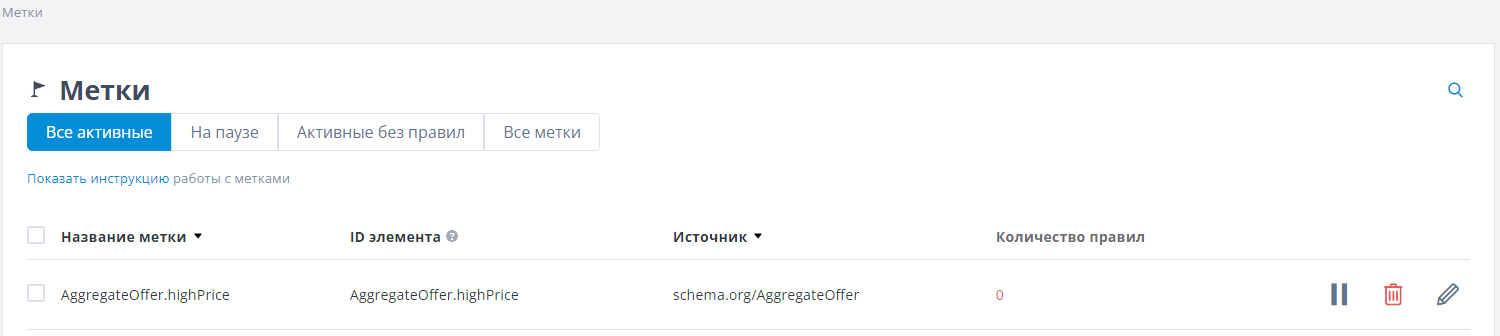
All tags are collected in this section. Since there can be many of them, we have divided them by status:
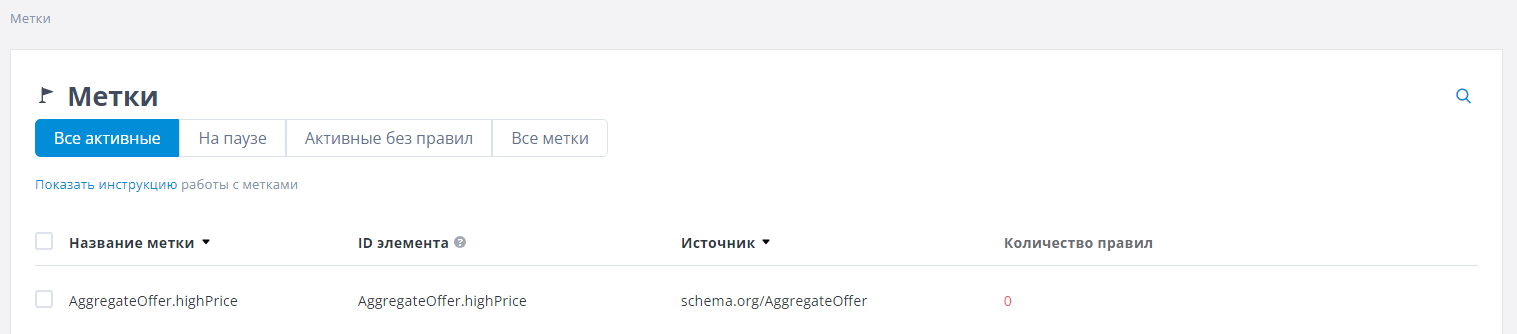
Active
This tab shows all the tags you can use when building your rules.
You can rename a tag so that your rules use a term you understand instead of the tag's ID in the site's HTML page.
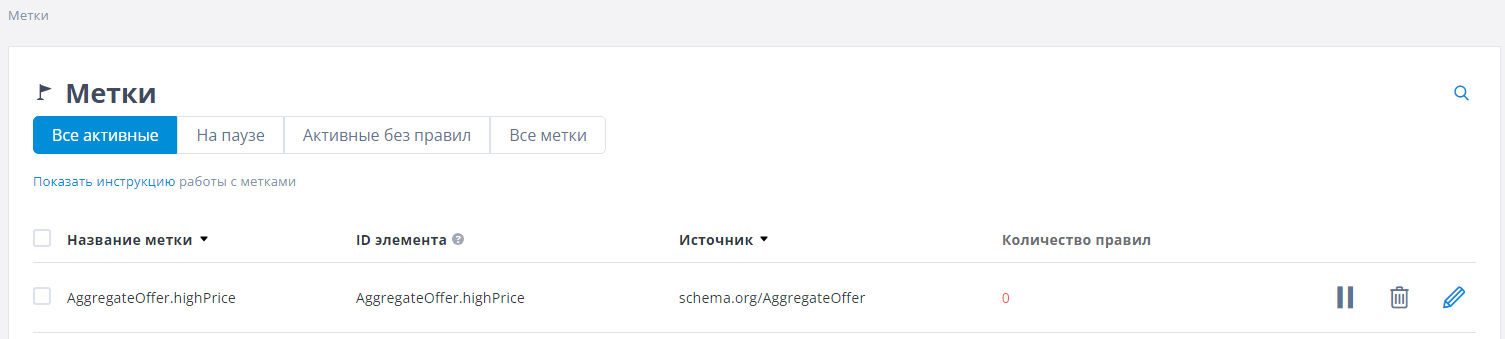
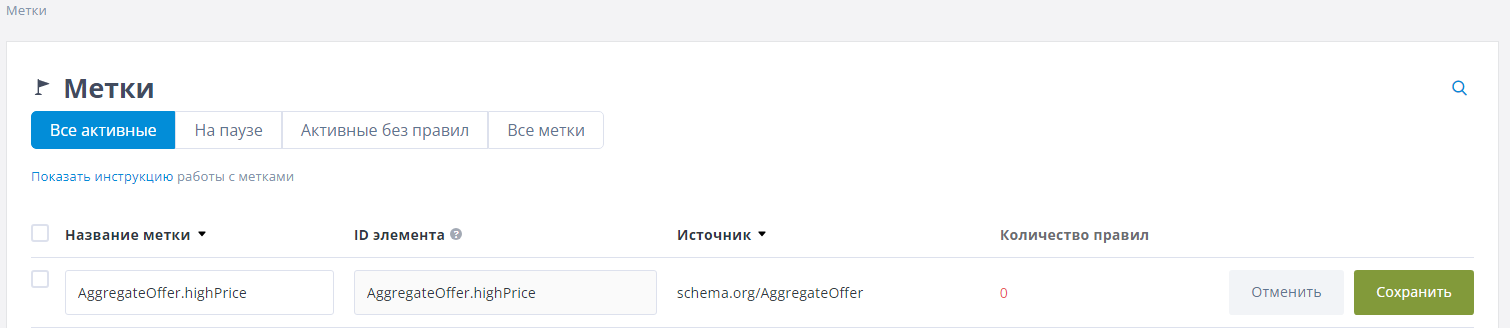
To edit a tag, hover over it. A “pencil” icon appears on the right. Click it, and the row switches to edit mode so you can change the tag name.
Then click the “Save” button.
On pause
If you have a lot of product data, building rules can be inconvenient because you have to find the tag you need in a list of, say, 500 tags. To make this easier, you can put tags you are not currently using on pause. When you build a rule, Contexta will not show a paused tag in the drop-down list. If you need the tag again, just resume it and work with it as usual.
Active without rules
This tab shows all tags that are active but not used in any rules. The easiest approach is to select all the tags here and put them on pause. You can do this with a single bulk action on all tags at once.
All tags
This tab shows all tags without splitting them into “active”, “on pause” and “unused”. It is simply a full list of all the tags available for building rules.
In the “Number of rules” column, Contexta shows how many rules use the tag.
Editing tags
Renaming a tag
To rename a tag, hover over its row and click the pencil icon on the right.
After making your changes, click the “Save” button to save them.
Pausing a tag
To keep unused tags out of the tag drop-down list when you create a rule, you can pause them. To pause a tag, click the “Pause” icon that appears to the right of the tag when you hover over it. You can pause only tags that are not used in any rules.
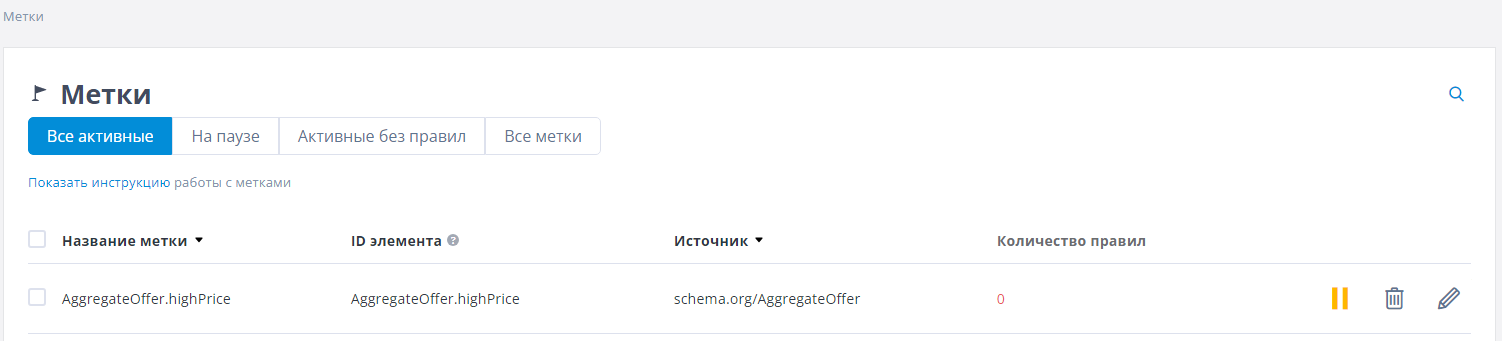
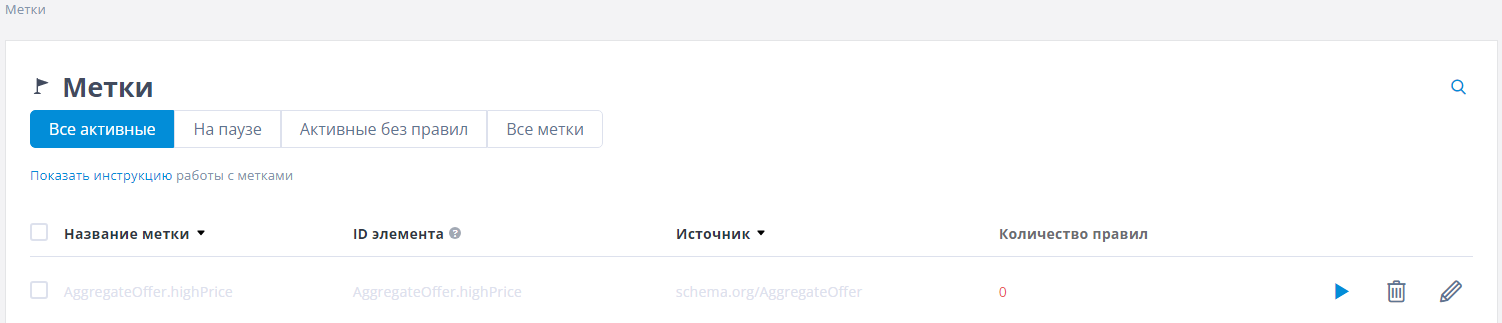
Once paused, the tag name turns gray. To resume the tag, click the “Play” icon.
Deleting a tag
To delete a tag, click the “Trash” icon that appears to the right of the tag when you hover over it. You can delete only tags that are not used in any rules.