Working with rule groups
Order of groups in a block
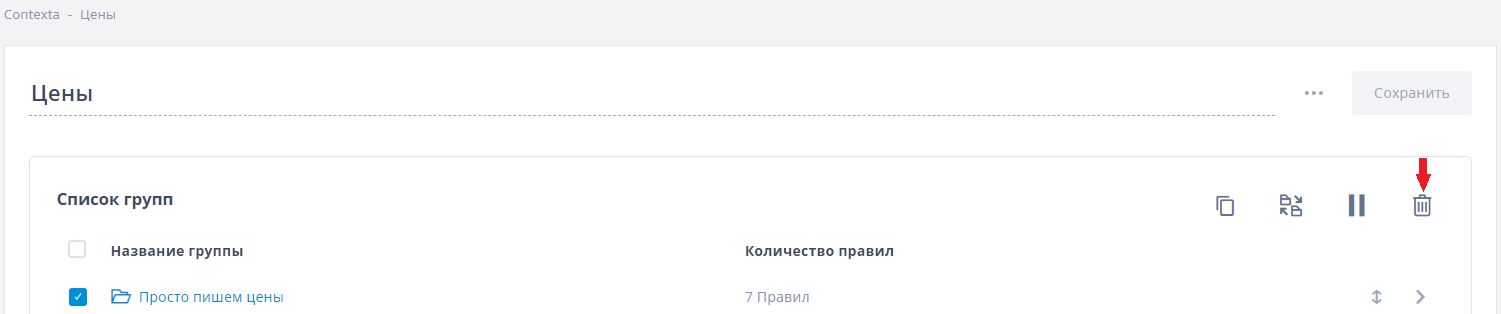
Rules in a block are displayed in the order of their groups. Drag the double-headed arrow icon to reorder groups so that the rules of a particular group appear higher in the block on your site.
Copying a group
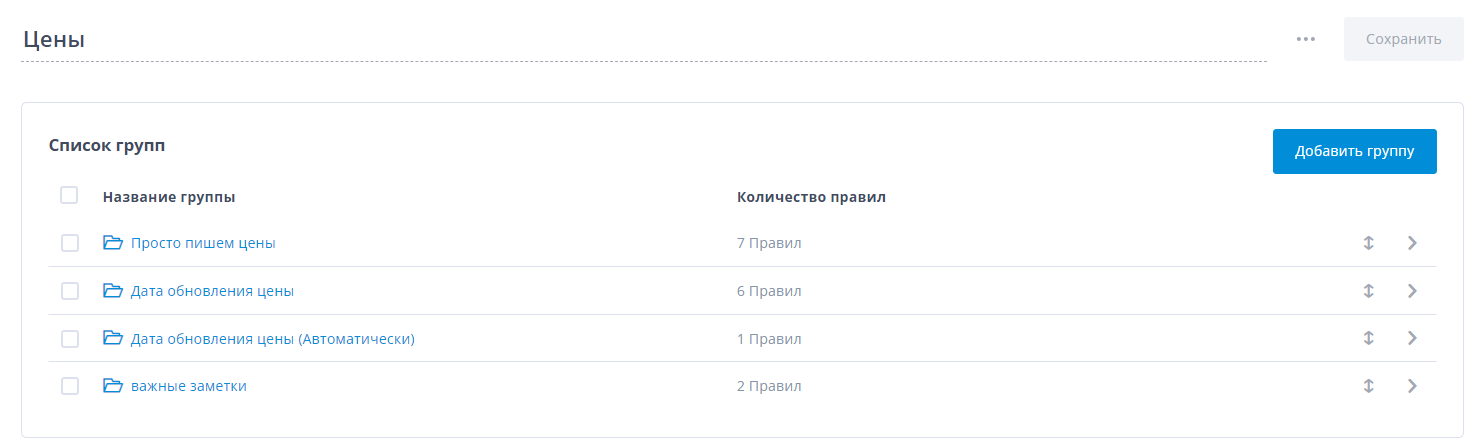
To copy a group, select it with the checkbox and click the “Copy” icon. Note that a group is copied together with its rules, and the rules in the new group are copies of the rules in the original group.
Moving a group
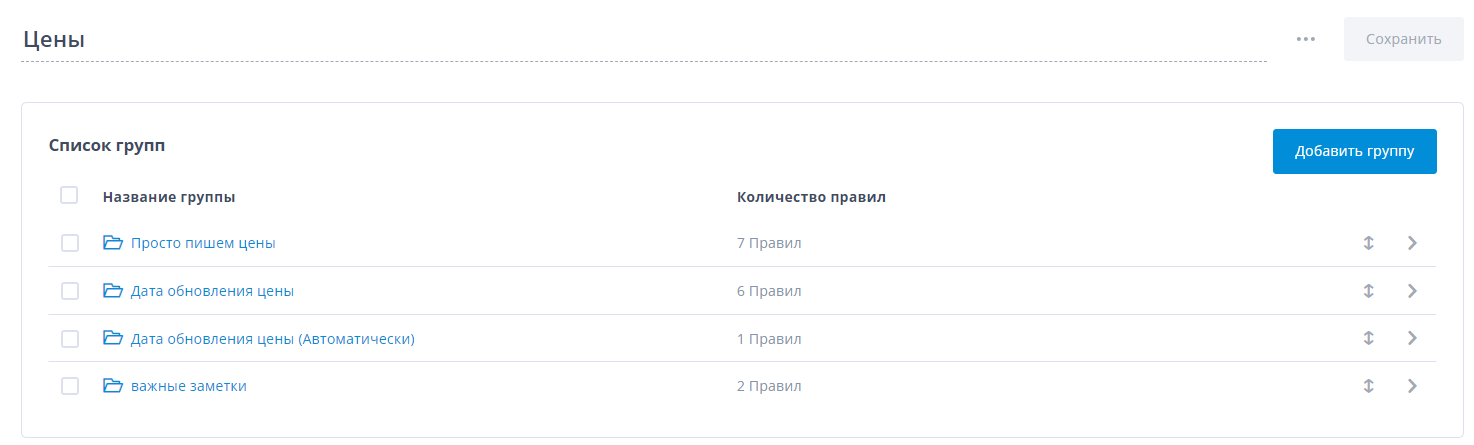
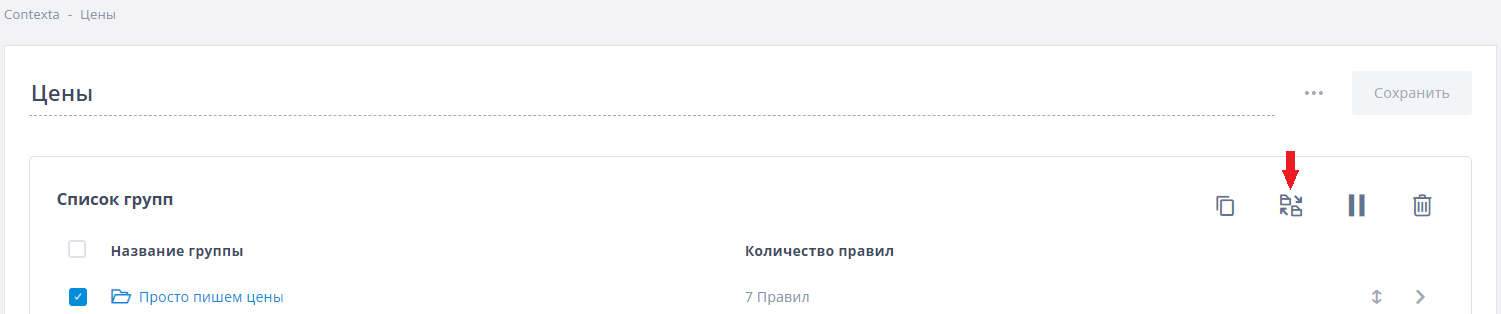
To move a group to another block, select it with the checkbox and click the “Move” icon.
Pausing a group
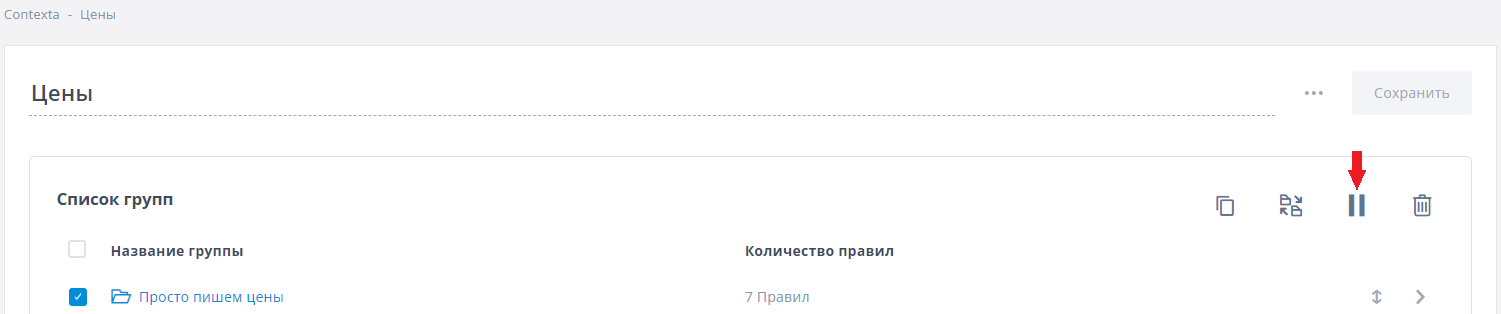
As mentioned above, grouping rules makes them easier to work with. For example, when you pause a group, all the rules inside it stop working too. To pause a group, select it with the checkbox and click the “Pause” icon.
Deleting a group
To delete a group, select it with the checkbox and click the “Delete” icon. Note that you can delete only groups that contain no rules. To delete a group with rules, first delete or move all of its rules.